

Searching for free vibe coding tools usually means one thing: you want to know whether you can build a real project before paying anything. The honest answer is yes for a prototype and rarely for a launch. This guide shows what the free tiers of the best-known builders allow today, where they stop, and how to build the same project on Youmake, which has no free plan but lets you test everything for $1 over 3 days.
If you are new to the idea, start with what vibe coding is. The short version: you describe an app, an AI agent writes it, and you refine it in plain language.
What a free vibe coding tier actually limits
Free tiers differ less in price than in the kind of limit they use. There are four:
- Daily caps. You get a small number of requests per day and nothing more until tomorrow.
- Monthly credits. A fixed pool you can spend in one afternoon.
- Project or app caps. A ceiling on how many apps you can keep.
- Locked features. Custom domain, code export or GitHub sync reserved for paid plans.
A daily cap suits someone who builds ten minutes at a time. A monthly pool suits a burst. Neither suits a client deadline.
What the free tiers offer (checked November 5, 2026)
| Tool | Free tier, per its pricing page | What to watch |
|---|---|---|
| Bolt.new | Free plan: 1M tokens a month, 300K a day, no rollover | Paid Pro is $25/month with 10M tokens |
| v0 | $0 plan: 7 messages a day, deploy to Vercel, GitHub sync, $5 one-time credits for new users | Paid plans are per user ($30 Plus, $100 Business) |
| Lovable | Daily grant of 5 build credits, up to 30 a month, plus 20 Cloud credits a month | The page lists no price for paid plans in the text we could read |
| Base44 | $0: 25 message credits a month, 100 integration credits, up to 5 apps | Custom domain and GitHub sync appear from paid plans up; Starter is $16/month billed annually |
| Replit | Pricing page lists Core at $20/month ($18 billed annually) as the entry plan | Core mentions Free Mode limits, so check what applies to you |
| Cursor | Free plan exists; Plus is $8/month | An editor for people who read code, not a prompt-to-app builder |
Cursor is on the list because people search for it, but it is a code editor. If you cannot read the code it produces, a prompt-to-app builder fits better.
For deeper numbers on one tool, see Lovable pricing and the Base44 review.
Why "free" stops working at launch
Free tiers are built for trying, and a launch needs four things they tend to hold back:
- Your own domain. A client or customer will not trust a builder subdomain for long.
- The code. If the tool disappears or you outgrow it, you need to take the project with you.
- Headroom. A real site takes dozens of small changes. A 7-message day or a 25-credit month ends that fast.
- A clean hand-off. If you build for clients, they need access without sharing your account.
That is why a free tier is best used as a test of the tool's output, not as a place to run a business. Our guide to free AI website builders covers the website side of the same trade-off, and the best vibe coding tools roundup compares the paid options.
The cheapest honest way to test Youmake
Youmake has no free plan. What it has is a 3-day trial for $1 (card required), after which paid plans start at $20 a month (Starter, 40 credits). For a one-weekend project that costs less than a coffee, and the trial includes the things free tiers hold back, such as publishing to your own domain, code export and GitHub sync.
If free is a hard requirement, use the tiers above to compare outputs, then decide where to spend.
Start a 3-day Youmake trial for $1 →
How to do this with Youmake
Here is a small project that fits inside a trial: a one-page site for a local service business, built, previewed and published in an afternoon.
-
Open the composer and choose what you are building. Pick website, web app, mobile app or slides. For a small-business site, start from the AI website builder.
-
Paste a specific prompt. For example:
Build a one-page website for a mobile dog groomer in Denver. Sections: hero with a "Book a visit" button, three service packages with prices, before-and-after gallery, reviews, service area map and a contact form. Friendly, clean, mobile first.
-
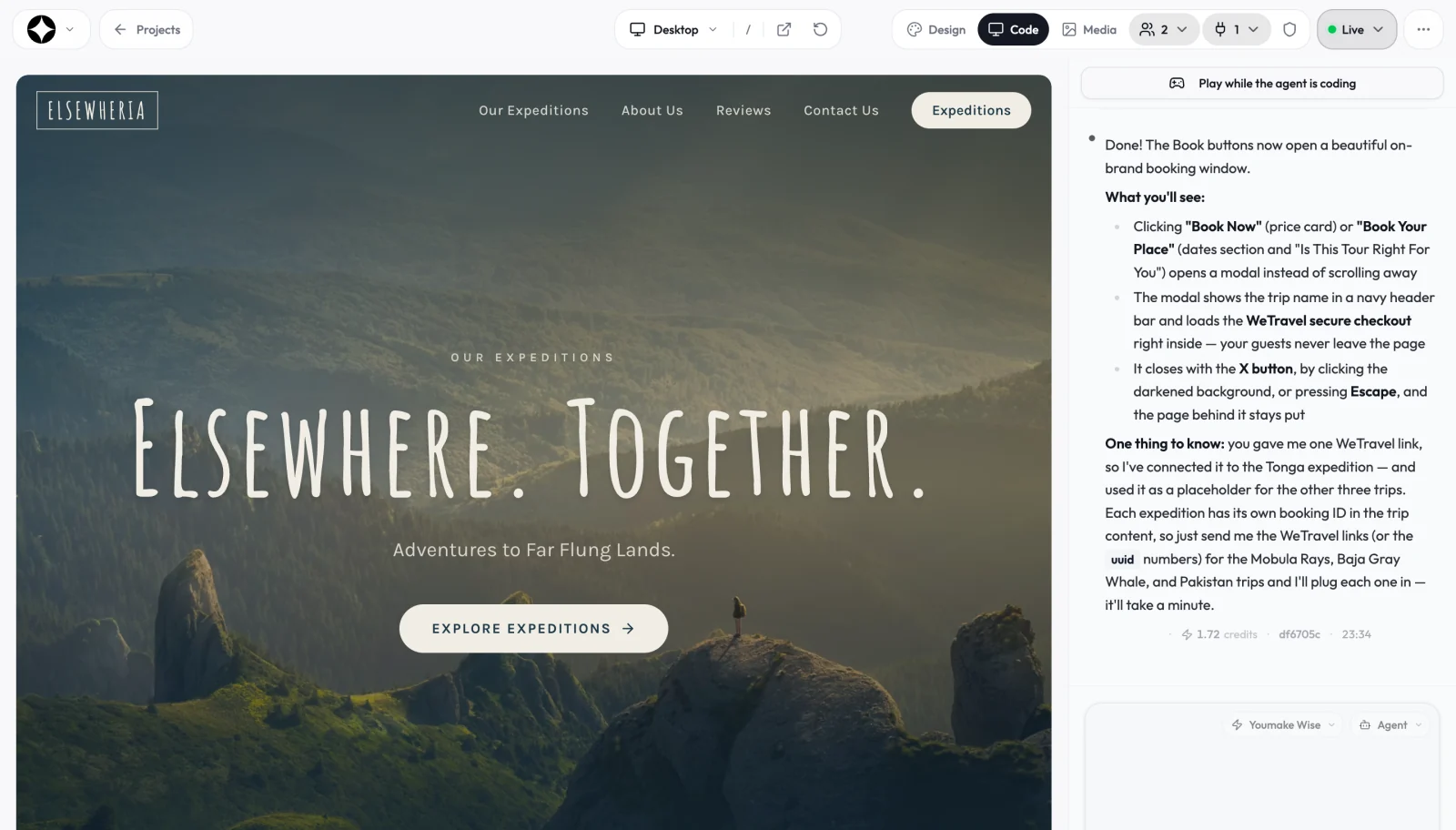
Refine in the agent chat. Watch the live preview and ask for changes in plain language: "make the packages equal height", "add an FAQ about vaccinations". The chat shows the credit cost of each request, so you learn what a change costs before you repeat it.
-
Connect what you need. Integrations with GitHub, Supabase, Stripe and Vercel mean a booking list or a deposit button does not require leaving the workspace.
-
Run the security scan, then publish. Point your own domain at the site. To keep the code, export it or sync it to GitHub.
Not sure what to build first? The list of vibe coding project ideas has starters sized for a weekend, and how to start vibe coding walks through writing your first prompts.
Honest limits
- Youmake has no free plan. The $1 trial is the lowest-cost way in, then plans start at $20 a month.
- Credits are finite on every Youmake plan. One clear request usually beats five vague ones.
- Free tiers elsewhere are useful for comparing output quality before you pay anywhere. If your project is tiny and stays private, one of them may be all you need.
- Pricing pages change. Check the current numbers before you commit, including ours.
More guides for builders are in the vibe coding hub.
FAQ
What is the best free vibe coding tool? It depends on the limit you can live with. A daily cap suits short sessions, a monthly pool suits a burst, and none of them is meant to carry a launched business. Compare the table above against how you actually build.
Can I build a full app on a free tier? You can prototype one. Finishing and launching usually needs a paid plan for headroom, a custom domain and code export.
Does Youmake have a free plan? No. It has a 3-day trial for $1 (card required), then paid plans from $20 a month.
Start a 3-day Youmake trial for $1 →
Sources
- https://bolt.new/pricing
- https://v0.app/pricing
- https://lovable.dev/pricing
- https://base44.com/pricing
- https://replit.com/pricing
- https://cursor.com/pricing
- https://www.youmake.dev/