How to Start Vibe Coding: A 7-Step Beginner Plan
· by Khalid BABA
How to start vibe coding with no coding background: a 7-step plan to go from first prompt to a published site, with sample prompts you can paste into Youmake.
If you want to know how to start vibe coding, the short answer is this: pick one small thing you actually need, describe it in plain English, and let an AI builder produce the first version. You then improve it with short follow-up prompts. You do not need to learn a programming language first.
This plan uses Youmake, an AI app builder for websites, web apps, mobile apps and slide decks, so you can follow along step by step. If the term is new to you, what vibe coding is covers the idea in five minutes. The rest of this guide is about doing it.
What do you need before you start?
Very little:
- A small goal. "A one-page site for my tutoring business" works. "The next Airbnb" does not.
- A few sentences of description. Who it is for, what it should do, what it should look like.
- An hour. Your first version usually takes less. Polishing it takes longer.
You do not need a code editor, a terminal or a server. A good first project is one from our list of vibe coding project ideas.
The 7-step plan
1. Choose one project and one user
Name the person who will use it. A teacher, a freelance photographer, a local gym. One user and one job keeps the prompt short and the result easy to judge.
2. Write a first prompt with four parts
Good prompts share a shape: what it is, who it is for, what it contains, how it should feel. For example:
"Build a one-page website for a private math tutor. Hero with a clear offer and a booking button, three session packages, a short about section, parent testimonials as placeholder cards, and a contact form. Calm, friendly, blue and white."
3. Read the result like a customer, not a developer
Open the preview and ask: is the offer clear in five seconds? Can I find the button? You are judging the outcome, which is the skill that matters most in vibe coding.
4. Change one thing at a time
Follow-ups work best when they are specific: "Make the hero headline shorter and put the booking button above the fold." Bundling ten changes in one message makes it hard to see what worked. This is the main habit that separates people who get good results from people who get stuck.
5. Add one real feature
Once the layout is right, add something that makes it useful: a contact form, a pricing table, a simple login. Each feature is one prompt. Keep it modest and test it.
6. Publish it
A project that only lives in a preview teaches you little. Put it on a real address and send it to three people. Their reactions will tell you more than another hour of tweaking.
7. Keep a prompt notebook
Save the prompts that worked. After a few projects you will have your own library, and the next build takes a fraction of the time.
How to do this with Youmake
Here is the same plan in Youmake terms:
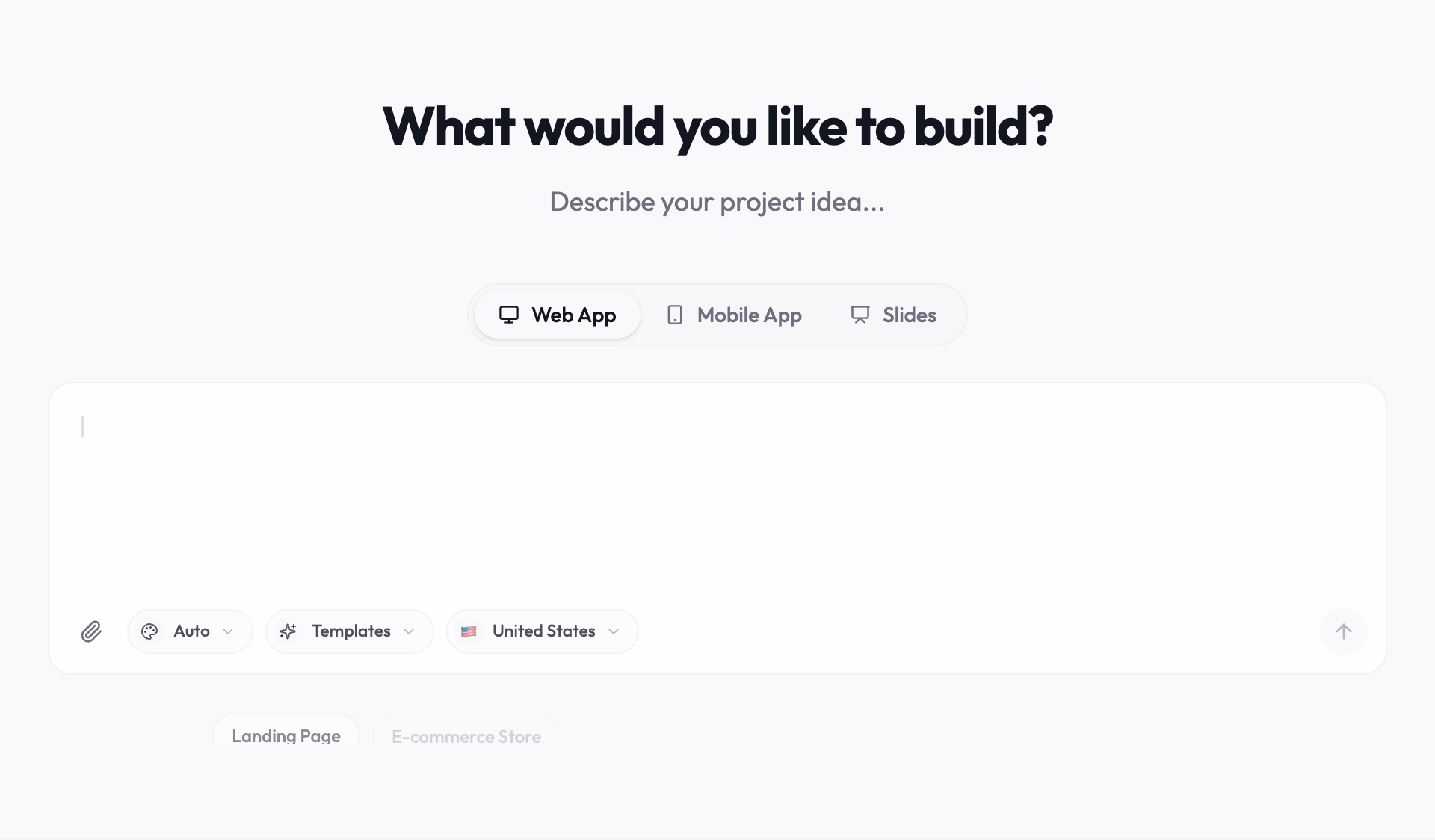
If your first project is a small business site, the AI website builder page shows what the output looks like.
Start a 3-day Youmake trial for $1 →
Common beginner mistakes
- Starting too big. Apps with accounts, payments and dashboards are a second project, not a first.
- Vague prompts. "Make it nicer" gives random results. "Increase spacing and use a larger headline" does not.
- Never publishing. A site nobody sees cannot teach you what to fix.
- Skipping the basics. You do not need to code, but it helps to understand pages, forms and links. The ideas in vibe coding vs traditional coding will help you decide how deep to go.
Honest limits
Vibe coding gets you a working first version quickly. It does not replace thinking about your users, and complex products with custom logic still need careful review. Youmake runs a security scan before you publish, but you should still test forms and logins yourself. Each change also uses credits, so concise prompts save you money. Pricing is on the Youmake site: there is no free plan, and the trial is $1 for 3 days.
For a no-code overview of what is possible, read how to build an app without coding. To see how people use these skills in teaching and learning, browse the AI in Education hub. Teachers and trainers can use the same plan to build course sites and quiz pages.
FAQ
Do I need to know how to code to start vibe coding?
No. You describe what you want and the AI builds it. Basic familiarity with how websites work helps, but it is not required.
How long does it take to learn vibe coding?
You can ship a first small project in an hour or two. Getting reliably good results usually takes a handful of projects.
What should my first vibe coding project be?
A one-page site or a simple landing page for something real. It is small, easy to judge, and quick to share.
Sources
Facts checked on October 20, 2026.