

On November 24, 2026, Anthropic launched Claude Install as app in beta. It turns a Claude artifact into a Mac or Windows app with its own icon and window, and Anthropic's help page lists it for every plan, Free included. You describe a tool in a chat, click "Install as app", and it shows up in your Applications folder or Start menu.
For a tool only you will use, that is a short path to something useful. For a product you want customers to use, read the requirements first: anyone who opens the app needs Claude Desktop, a Claude account and an internet connection. This guide covers how the feature works, what each permission allows, and when a web app built in Youmake fits better.
What is Claude Install as app?
An installed app is the same artifact shown in its own window. Anthropic's announcement puts it this way: "Starting today, you can use Claude artifacts to create, run, and share desktop apps." You do not package or sign anything, and you do not need an API key or a separate login, because the app runs on your Claude account. When you or another editor change the artifact, the installed app updates on its own.
The app can call Claude and your connectors the same way the artifact can. Building the app and every request it sends to Claude count toward your plan's usage limits.
| Requirement | What Anthropic's pages say |
|---|---|
| Software | Claude for Mac or Windows, version 6.28899.0 or later |
| Plans | Beta on Free, Pro, Max, Ultra, Team and Enterprise |
| Team plans | On by default, with full computer access off until an admin enables it |
| Enterprise plans | Off until an owner turns it on in Organization settings |
| To open an app | You must be online and signed in to Claude Desktop |
| Not available | Linux, web and mobile, plus HIPAA-ready organizations and hybrid deployments |
| Cannot be installed | Artifacts made from the Docs, Slides and Sheets templates, legacy artifacts, and live artifacts from Claude Cowork |
How do you install an artifact as an app?
- Update Claude Desktop (Claude > Check for Updates on macOS, Help > Check for Updates on Windows).
- Describe the tool in a chat. Anthropic's own examples are small: a menu bar Pomodoro timer, an hourly stretch reminder, a Windows tool that renames photos by date.
- Open the artifact, then open its title menu or right-click it and choose "Install as app". The same option sits under Share.
- Confirm with "Install".
On macOS the app lands in a "Claude Apps" folder inside the Applications folder of your home directory, and it appears in Spotlight. On Windows it goes into a "Claude Apps" folder in the Start menu, with a desktop shortcut.
What can an installed app do on your computer?
By default an installed app can do very little. Anthropic describes three levels, and you choose one per app.
| Level | What the app can do |
|---|---|
| Default | Only what it could do in a browser |
| App permissions | Notifications, global keyboard shortcuts, always-on-top windows, a macOS menu bar item or a Windows tray icon |
| Full computer access | Run programs and read, change or delete your files without asking each time |
Read four rules before you click "Allow":
- An "Allow" covers one version of the app. After any update, including your own edit, Claude asks again.
- If the app loads code from another website, that code can change without a new prompt.
- On Free, Pro, Max and Ultra, you can grant full access only to apps you made yourself. On Team and Enterprise, the author has to be inside your organization.
- Anthropic does not review apps before you install them.
Nobody at Anthropic checks an app before it reaches you, and the help page says an app with full access "can run any program and read, change, or delete your files." If you did not write the app and cannot read its code, leave it on the default level. For why that caution pays, see our account of the Railway breach and its stolen AI API keys.
What does Claude Install as app change for builders?
It makes personal software cheap. A folder organizer or a tray timer used to mean learning a desktop framework and paying for code signing. Now it is one chat and one click, and that covers a lot of what people call vibe coding.
It does not make you a software vendor, and the table above shows why:
- Your user has to install Claude Desktop on a Mac or a Windows PC and sign in before the app will open. There is no phone version and no link that opens in a browser.
- Requests to Claude count toward a Claude plan's usage limits. The help page does not say whose plan pays when a shared app runs, so do not build a business model on that until Anthropic documents it.
- The app has no domain, no customer login of its own and no checkout. You cannot charge for it inside the feature.
Which one fits depends on who opens the tool:
| What you want | Better fit |
|---|---|
| A tray timer, file renamer or dashboard for yourself | Install as app |
| An internal tool for a team that already works in Claude | Install as app, with admin controls on |
| A tool customers open from a link, on any device | A web app on your own domain |
| Accounts, subscriptions or one-time payments | A web app with a database and Stripe |
| An iPhone or Android app | A mobile app from an AI mobile app builder |
If the tool you built for yourself turns out to be something other people would pay for, the customer version is a separate build. Start a 3-day Youmake trial for $1 and build it →
How to build the customer version with Youmake
Youmake is an AI app builder for websites, web apps, mobile apps and slide decks. The steps below turn a personal desktop tool into a product with accounts and payments.
- Write down what your desktop tool does in three sentences, and who would pay for it.
- Open Youmake, choose web app, and paste a prompt like the one below.
- Check the live preview on desktop and phone widths, then ask the agent for changes in the chat.
- Connect Supabase for the database and login, and Stripe for payments.
- Run the security scan, then publish to your own domain.
- Sync the project to GitHub so you own the code. The code ownership page explains export and hand-off.
A sample prompt, based on the Pomodoro timer from Anthropic's examples:
Build a web app called FocusLog for freelancers who bill by the hour.
Users sign up with email, start a 25-minute focus timer, and tag each
session with a client and a project. Show a weekly report of hours per
client that exports to CSV. Add a $6 per month plan through Stripe that
unlocks unlimited clients. Keep the design calm, with one accent color,
and make every screen work on a phone.
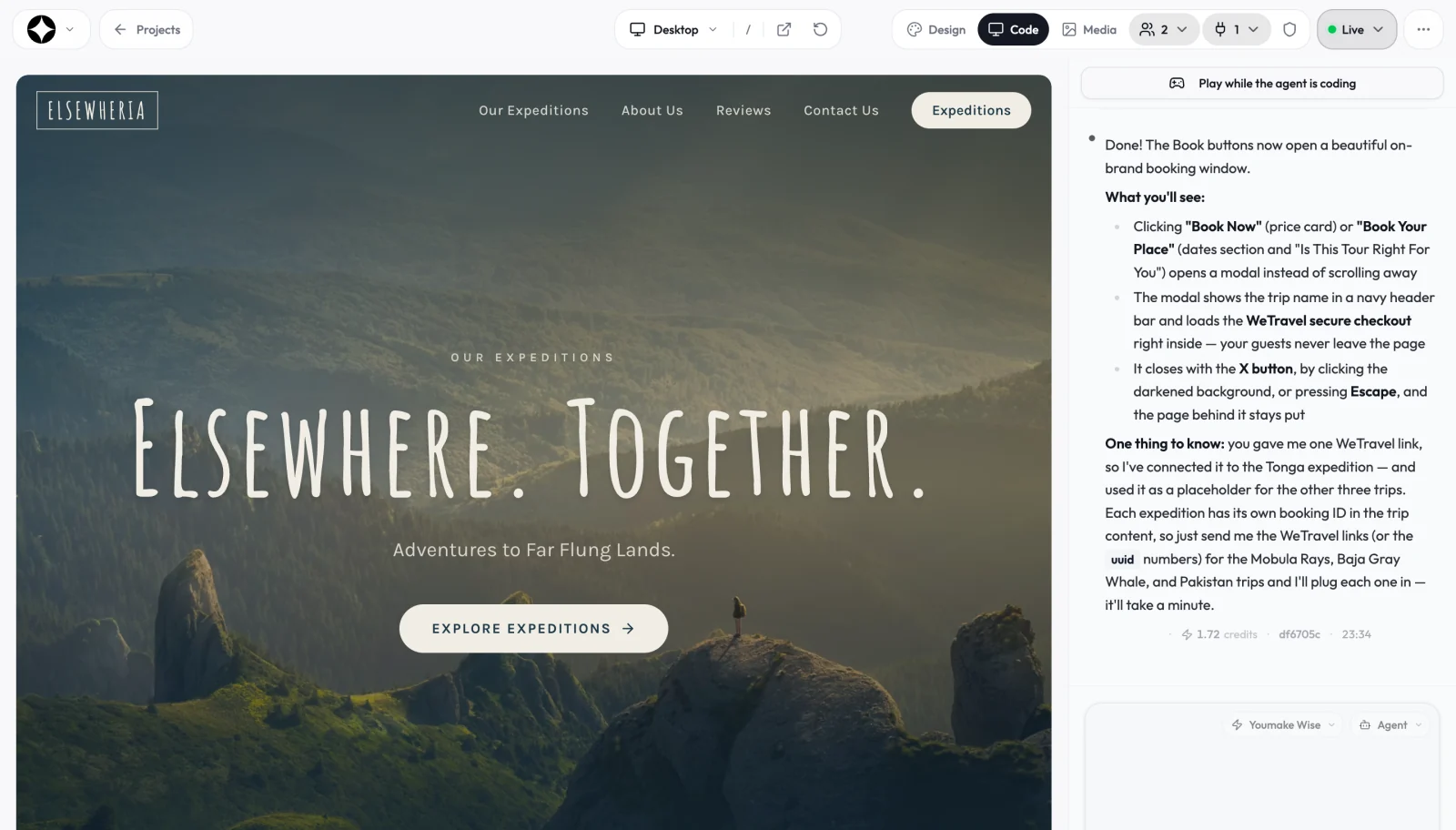
Each change costs credits and you see the cost as you go. When the app works, read our guide to upkeep for a vibe-coded app before you take the first payment.
Honest limits
- Install as app is a beta. Plans, permissions and limits may change, and Anthropic's help page is the reference.
- Youmake does not build native desktop apps. If you need a menu bar item, a global shortcut or access to local files, a web app will not replace that.
- Anthropic's pages do not fully describe how a shared app installs for the other person or whose usage it counts against. We left that open because we could not confirm it.
- Youmake has no free plan. Entry is a 3-day trial for $1 (card required), then paid plans from $20 a month.
- We have not tested installed Claude apps ourselves. This article relies on Anthropic's documentation and press coverage.
FAQ
Is Claude Install as app free? Anthropic's help page lists the beta on the Free plan along with Pro, Max, Ultra, Team and Enterprise. Building an app and its requests to Claude count toward your plan's usage limits, so a free account runs out sooner.
Can I sell an app made with Claude Install as app? The feature has no payments, no customer accounts and no domain, and the app opens only inside a signed-in Claude Desktop on Mac or Windows. To charge customers, build a web or mobile app with its own login and checkout. The vibe coding hub has guides for that.
Do installed Claude apps work offline? No. You must be online and signed in to Claude Desktop to open one.
Have a tool worth more than a spot in your own menu bar? Start a 3-day Youmake trial for $1 →
Sources
- Anthropic, "Turn artifacts into Mac and Windows apps" (November 24, 2026): https://claude.com/resources/articles/install-as-app
- Claude Help Center, "Install an artifact as an app": https://support.claude.com/en/articles/18516354-install-an-artifact-as-an-app
- 9to5Mac, "Anthropic just gave Claude users a new way to make Mac apps" (November 24, 2026): https://9to5mac.com/2026/11/24/anthropic-just-gave-claude-users-a-new-way-to-make-mac-apps/
- TestingCatalog, "Anthropic now allows installing artifacts as desktop apps" (November 25, 2026): https://www.testingcatalog.com/anthropic-now-allows-installing-artifacts-as-desktop-apps/