AI Mobile App Builder: Make an App From a Prompt (2026)
· by Khalid BABA
An AI mobile app builder turns a plain-English description into a working app. See what to look for, what to expect, and how to build yours in Youmake today.
An AI mobile app builder lets you describe an app in plain English and get a working version back, without writing Swift, Kotlin or React Native yourself. Youmake is one: you type what the app should do, watch it appear in a live preview, and keep refining it in a chat with the agent.
This guide covers what to expect from these tools, how to pick one, and a step-by-step build you can copy.
What an AI mobile app builder actually does
You write a description. The builder generates the screens, the navigation between them and the logic behind the buttons. You look at the result, ask for changes, and repeat until it matches what you pictured.
That loop is what people call vibe coding. The difference from older no-code tools is that you are not dragging blocks around. You are describing outcomes and the agent does the assembly.
What it is good at:
- First versions of apps with a clear job: a habit tracker, a booking app, a small-business directory, an internal checklist.
- Getting a clickable prototype in front of real users in hours instead of weeks.
- Changing direction cheaply. Rewording a prompt costs less than rewriting a screen.
What it is not good at is replacing judgment. The tool will build whatever you describe, including a confusing flow. The quality of the app depends on how clearly you describe the user and the job.
What to look for in an AI app builder for mobile
Most tools handle web pages. Fewer handle a mobile app as a first-class thing. Check these before you commit:
| Question | Why it matters |
|---|---|
| Does it build a mobile app, or only a responsive website? | A responsive site opens in a browser. A mobile app is a separate project type. |
| Can you see a live preview while you build? | You catch wrong screens early instead of after publishing. |
| Can you export the code or sync to GitHub? | You keep the option to hand the project to a developer. |
| Does it connect to a backend and payments? | Most real apps need a database and sometimes Stripe. |
| Is the cost per change visible? | Credit-based tools can burn through a plan on vague prompts. |
Youmake builds websites, web apps, mobile apps and slide decks from the same workspace, shows a live preview next to the agent chat, and has integrations with GitHub, Supabase, Stripe and Vercel. You can export the code or sync it to GitHub, and import an existing GitHub repo. For the wider market, the best vibe coding tools roundup compares the main options.
Start a 3-day Youmake trial for $1 →
How to build a mobile app with AI, step by step
The projects that work best are small and specific. Here is a process that keeps you out of trouble.
For more starter projects, see vibe coding project ideas, and if you are new to the whole approach, how to start vibe coding covers the basics.
How to do this with Youmake
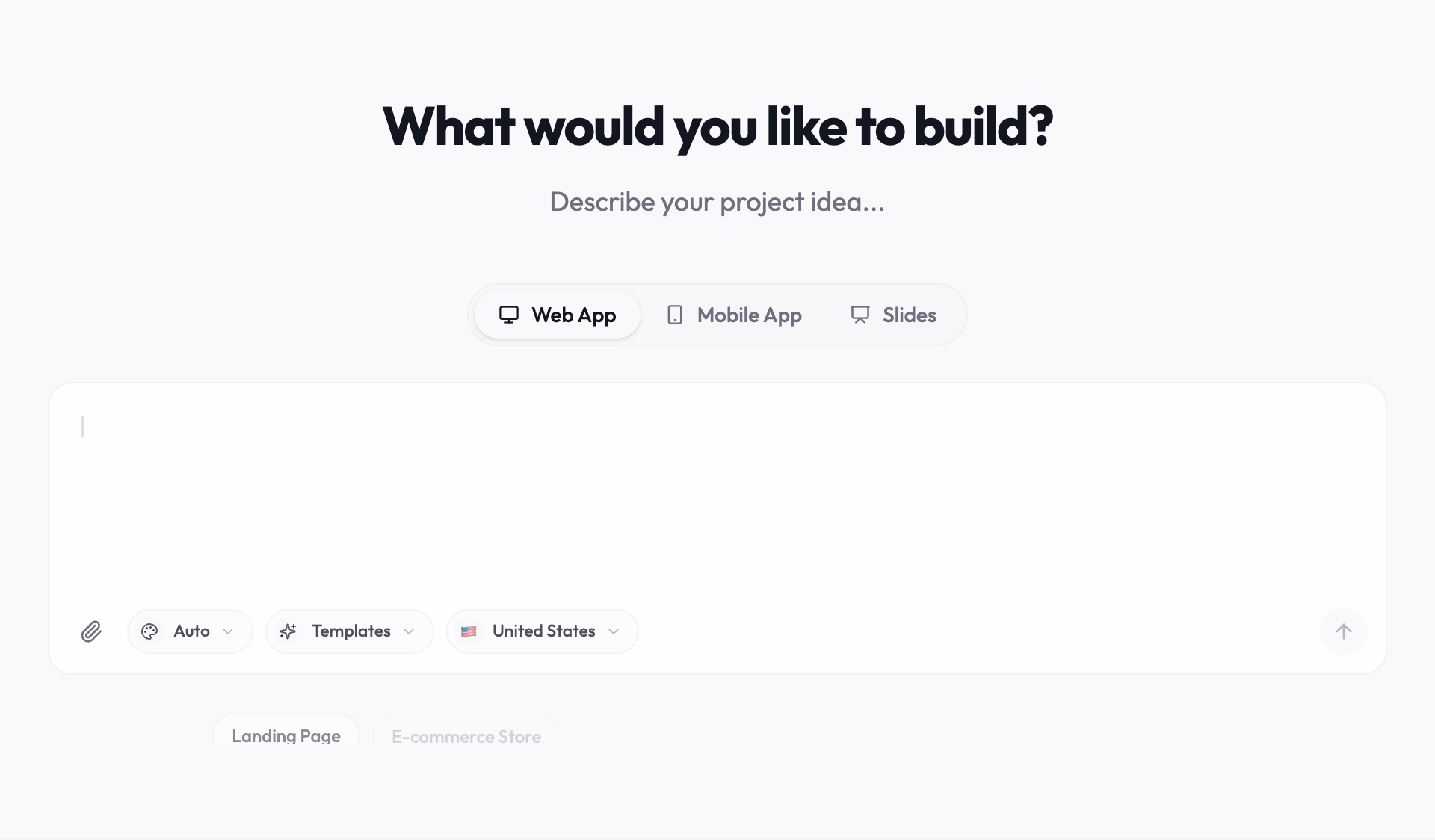
Here is the dog walker app as a concrete build.
> Build a mobile app for a solo dog walker. Screens: a weekly schedule, a client list with each dog's name and notes, a walk detail screen with a "walk finished" button, and a message screen to send an owner a short update. Friendly colors, large tap targets, one-handed use.
If your project is closer to a business website than an app, the AI website builder is the better starting point. Agencies building for clients can look at the client portal use case.
Writing prompts that produce good apps
A weak prompt gets a generic app. A strong prompt names the user, the screens and the rules.
- Name the user. "For a solo dog walker" beats "for pet owners".
- Name the screens. The builder will invent screens if you do not list them.
- State the rules. "A walk cannot be marked finished before it starts" prevents a class of bugs.
- Say what to leave out. "No social features, no ads" keeps the scope small.
- Mention the device. "One-handed use, large tap targets" changes the layout.
Honest limits
- Youmake has no free plan. The entry point is the $1, 3-day trial (card required), then paid plans: Starter at $20 a month, Builder at $45 and Agency at $120.
- Credits are finite on every plan. One clear request usually beats five vague ones.
- An AI-built app is a strong first version, not a finished product. Test it with real users, and have a developer review anything that handles money or sensitive data.
- Publishing to an app store has its own review rules and accounts that no builder removes. Check each store's current requirements before you plan a launch date.
Where to go next
If you are comparing builders, Lovable alternatives and Replit alternatives list the options with tradeoffs, and Youmake vs Bolt is a direct comparison. More guides are in the vibe coding hub.
FAQ
Can an AI mobile app builder replace a developer?
For a first version of a simple app, often yes. For anything with payments, sensitive data or complex logic, plan for a developer to review the result. Youmake lets you export the code for that hand-off.
How long does it take to build a mobile app with AI?
A simple app with a handful of screens can reach a clickable preview in one session. Polishing and testing take longer, and that time depends on how clear your prompts are.
Do I need to know how to code?
No. You need to describe the user, the screens and the rules clearly. See how to build an app without coding for the full beginner path.
Start a 3-day Youmake trial for $1 →
Sources
- https://www.youmake.dev/
- https://www.youmake.dev/features/code-ownership
- https://www.youmake.dev/ai-website-builder
Facts checked on October 25, 2026.