Client Portal Builder: Make One With AI, No Code
· by Khalid BABA
Client portal builder guide for freelancers and agencies: what to include, a prompt to paste into Youmake, and how to white label and hand it off.
A client portal builder lets you give each client one private place for project updates, files, invoices and approvals, instead of a trail of email threads. You no longer need a developer or an expensive SaaS seat per client to get one. With Youmake, an AI app builder for websites, web apps, mobile apps and slide decks, you can describe the portal in plain English and have a working first version in an afternoon.
This guide is for freelancers, consultants and small agencies. It covers what a portal needs, a prompt you can paste, and how to hand the result over to a client. If you are new to building this way, start with what vibe coding is and the 7-step beginner plan.
What is a client portal, and who needs one?
A client portal is a login-protected web app where one client sees only their own material. Typical contents:
- A project status page with milestones and next steps
- A shared files area for briefs, drafts and final deliverables
- An approvals list ("approve this design", "confirm this scope change")
- Invoices or a link to pay them
- A message thread, so decisions live in one place
You need one when you handle more than a few clients at once and keep answering "where is that file?" or "what is the status?". Freelancers use portals to look more established and to cut status emails. Agencies use them to keep many clients organized under one brand. Both groups are part of the shift covered in our Work, Careers & Mindset hub, where people turn skills into small, repeatable offers.
Build, buy or use a template?
| Option | Good for | Watch out for |
|---|---|---|
| Off-the-shelf portal software | Teams that want features on day one | Per-seat fees, your clients see someone else's branding unless you pay for white label |
| Shared folders and docs | One or two clients | No login separation, no status view, looks improvised |
| Custom build with an AI builder | A portal shaped exactly like your process | You own the review and testing work |
The third path used to mean hiring a developer. An AI builder changes the cost, not the need for judgment: you still decide what the portal should do.
How to do this with Youmake
clients.yourstudio.com.Sample prompt:
"Build a client portal for a freelance brand designer. Clients log in with email. Each client sees only their own projects. Each project has a status bar with four stages, a list of milestones with due dates, a files section for uploads and downloads, an approvals list with Approve and Request changes buttons, and a message thread. I see an admin view with all clients. Clean layout, white background, one accent color."
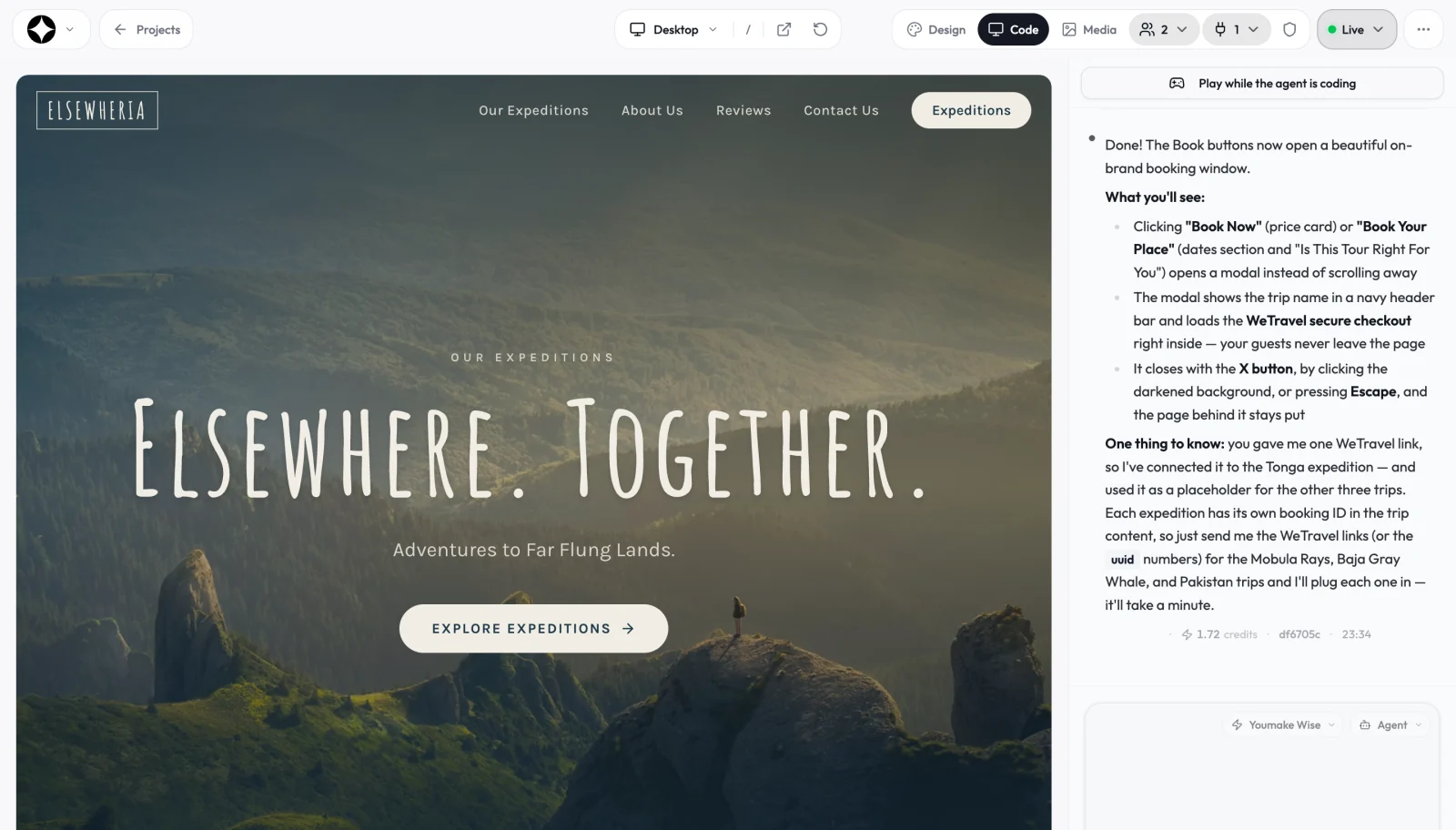
Build the admin view and the client view as separate steps. Test the client view with a second account to confirm one client cannot see another's files.
Start a 3-day Youmake trial for $1 →
How do you hand it over or white label it?
Agencies often ask whether the portal can carry their brand, not the tool's. Because you publish to your own domain, clients see your address and your design. For hand-off, you can export the code or sync it to GitHub, which is described on the code ownership page. If a client later wants an in-house developer to take over, they get real code, not a locked project. Agencies handling many clients can also look at the client portal use case and team seats on the Builder plan and up.
If you are still deciding what to build first, the list of vibe coding project ideas includes other small business tools. A public site for your own studio is a sensible companion project, and how to build an app without coding covers the basics.
What should the first version include?
Resist the urge to copy a full enterprise portal. Pick the three jobs that cost you the most email today and build only those. For a designer that is usually file delivery, approvals and a status view. For a consultant it may be a shared action list and a monthly report. For a small agency it is often a single page per client that shows what is in progress, what is waiting on the client, and what is done.
Write those jobs down before you open the builder, then turn each into one sentence of your prompt. Show the portal to one friendly client first, watch where they hesitate, and fix that before you invite anyone else. A portal that three clients use weekly beats a feature-rich one nobody logs into.
Honest limits
A portal holds client files and sometimes payment details, so treat it seriously.
- Test access rules yourself. The security scan helps, but only you can confirm that each client sees only their data.
- Start small. Status, files and approvals cover most needs. Add invoicing and messaging after real clients use it.
- Credits are used per change. Concise prompts cost less. Pricing is on the Youmake site: there is no free plan, and the trial is $1 for 3 days.
- Compliance is on you. If you store sensitive client data, check the rules that apply to your industry and region.
FAQ
What is the best way to build a client portal without coding?
Describe the portal in plain English to an AI app builder, test it with a second account, and publish to your own domain. Keep the first version to status, files and approvals.
Can I white label a client portal I build with Youmake?
You publish to your own domain and control the design, so clients see your brand. You can also export the code or sync it to GitHub for hand-off.
How long does it take to build a client portal?
A basic version often takes an afternoon. Testing access rules and polishing the design usually takes longer than the first build.
Sources
Facts checked on October 21, 2026.