

On October 22, 2026, Anthropic announced it is donating the Agent Skills standard to the Agentic AI Foundation (AAIF), which is hosted by the Linux Foundation. If you build products with AI, the practical meaning is simple: a skill you write once is no longer tied to one vendor's agent. And if you want something to build around those skills, Youmake turns a plain-English description into a working website, web app, mobile app or slide deck.
This guide covers what changed, what a skill file contains, and a short plan for this week.
What Anthropic announced
Anthropic published the standard in December 2025. In its October 22 announcement, it said the transfer to the AAIF includes the Agent Skills name and logo, the GitHub organization and the agentskills.io domain. It described the standard in these numbers:
- More than 70 agent platforms have integrated it, including ChatGPT, Cursor, GitHub Copilot and VS Code.
- About 1 million skills have been published.
- Nearly 280 million skills have been installed.
Those figures come from Anthropic itself, so treat them as the vendor's own count. Anthropic also wrote: "We're committed to keeping Agent Skills open, community-driven, and vendor-neutral." Engineers from Anthropic, Google, OpenAI and other companies will maintain the standard as individuals, with David Soria Parra and Mahesh Murag as lead maintainers. The proposed roadmap covers versioned releases, a formal proposal process and security guidance for people who write and install skills.
You do not need to join the AAIF to use or contribute to the standard. Simon Willison, who covered the news the same day, noted that Anthropic donated the Model Context Protocol to the same foundation earlier, so this follows a pattern.
What a skill is
A skill is a folder with one required file, SKILL.md. The file has YAML frontmatter and a Markdown body. According to the specification, two frontmatter fields are required:
name: 1 to 64 characters, lowercase letters, numbers and hyphens, no leading, trailing or double hyphens, and it must match the folder name.description: 1 to 1,024 characters. It should say what the skill does and when to use it.
Optional folders hold scripts/, references/ and assets/. Agents load skills in layers: the name and description at startup, the full SKILL.md when the skill is activated, and the extra files only when needed. The spec recommends keeping SKILL.md under 500 lines.
This is why the description matters most. An agent decides whether to open your skill from that one field, so "Helps with PDFs" loses to "Extracts text and tables from PDF files, fills PDF forms, and merges multiple PDFs. Use when working with PDF documents."
Why this matters if you build with AI
Before a shared format, every team that wrote down "how we do code review" or "how we write release notes" wrote it for one tool. Move to a different agent and the instructions stayed behind. With one format that 70-plus platforms read, your team's know-how becomes a file in your repository instead of a setting inside someone's product.
That has three consequences for builders:
- Your playbooks are portable. A skill in your repo travels with your code. If you are weighing tools, our guide to AI agents versus vibe coding explains where each style fits.
- Quality becomes reviewable. A skill is a text file, so it goes through pull requests like any other change.
- Security needs attention. The roadmap includes security guidance for people who write and install skills, which tells you the risk is recognized. A skill can include scripts, so read a skill before installing it, the same way you would read a dependency.
For the product side of this feature, see our earlier piece on Claude's Skills for repeatable workflows. More agent and tool news lives in the AI Agents & Tools hub.
What to do this week
- Pick one repeated task. Choose something your team explains more than twice a month: how you review a pull request, how you onboard a client, how you format a changelog.
- Write the description first. One or two sentences: what it does, and when to use it. Name the trigger words a teammate would actually type.
- Keep the body short. Steps, one example of input and output, and the edge cases that bit you before. Move long reference material into
references/. - Name the folder to match. The spec requires the
namefield to equal the folder name, and it points to askills-ref validatecommand for checking it. - Commit it next to your code. Put skills in the same repository as the product they describe.
A minimal file looks like this:
---
name: client-onboarding
description: Walks through onboarding a new client project, from intake questions to the first preview link. Use when starting a new client website or app.
---

1. Ask for the business name, audience and main call to action.
2. Draft the page list and confirm it with the client.
3. Share a preview link before building extra pages.
Start a 3-day Youmake trial for $1 and put the site or app your skills describe in front of real users.
How to do this with Youmake
Skills describe how work gets done. Someone still has to build the thing the work produces: the client portal, the landing page, the internal tool. That is the part Youmake handles. A practical setup:
- Write your
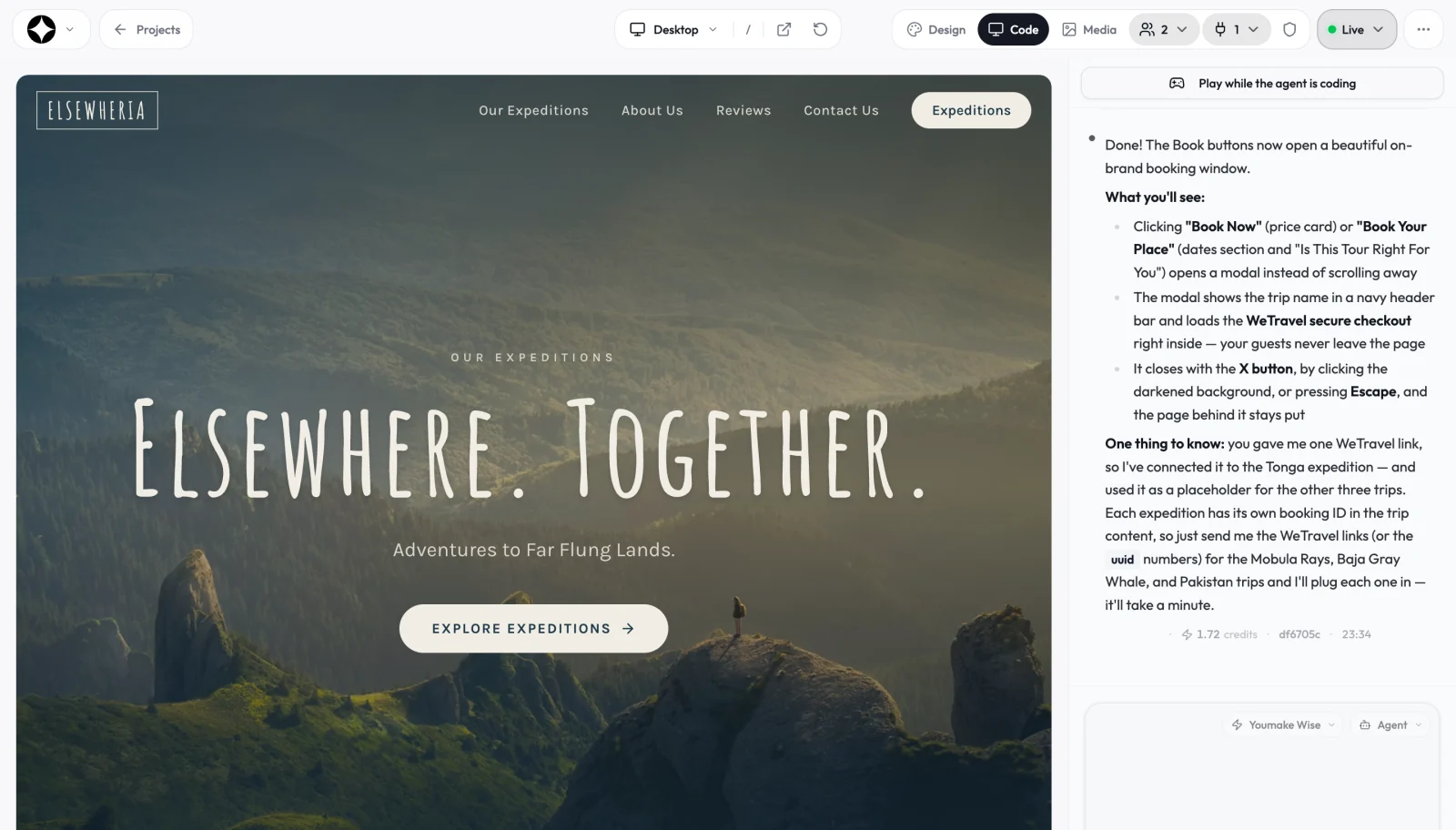
client-onboardingskill (or any skill above) and keep it in a GitHub repository. - In Youmake, describe the product the skill supports. Sample prompt: "Build a client portal where each client logs in, sees their project status, uploads files and approves designs. Use a clean, professional layout with a sidebar."
- Review the live preview and refine it through the agent chat, one change at a time.
- Use Youmake's GitHub sync or code export so the app code and your
skills/folder live in the same repository. Our page on code ownership covers how export and hand-off work, and the AI app builder code export guide compares tools on it. - For agencies building this for clients, the client portal use case shows the pattern.
If you are new to this style of building, start with what vibe coding is and our list of the best AI app builders.
Honest limits
- The adoption numbers are Anthropic's own. We did not find an independent count.
- A standard does not make every platform behave the same. Support for optional fields such as
allowed-toolsis marked experimental in the spec and may vary by product. - Youmake does not read or run
SKILL.mdfiles itself. This guide uses it to build the product your skills support, and it keeps your code in a repository you control. - The governance roadmap is proposed, not finished. Check agentskills.io before you depend on a specific version.
FAQ
Is Agent Skills the same as MCP? No. They are separate standards, and both now sit under the AAIF. Skills package instructions and resources an agent loads when relevant. MCP is a protocol for connecting agents to tools and data.
Do I need to join the AAIF to use skills? No. Anthropic's announcement says you can keep using or contribute to the standard without joining.
Where do I give feedback on the spec? The announcement points to the project's Discord and to github.com/agentskills/agentskills.
Start a 3-day Youmake trial for $1 and build the product your skills were written for.
Sources
- Anthropic: Donating Agent Skills to the Agentic AI Foundation
- Agent Skills specification
- Simon Willison, October 22, 2026