

Vibe coding and agentic coding both mean letting AI write the code, so people use the terms as if they were the same thing. They are not. The difference is who holds the steering wheel, and it decides whether you ship something you can trust. If you want to try the vibe side in a few minutes, Youmake turns a plain-English description into a working website, web app, mobile app or slide deck, and its agent chat lets you push further when you need to.
Here is the short answer. Vibe coding is a conversation where you describe what you want, look at the result, and keep nudging. You steer every step. Agentic coding is delegation: you give an AI agent a goal, and it plans, edits many files, runs commands and tests, and comes back with a finished change for you to review. In practice, most good builders use both, switching by the size and risk of the task.
What is vibe coding?
Vibe coding means building software by describing it in natural language and judging the output by looking at it, not by reading every line. If the idea is new to you, start with what vibe coding is and the beginner plan to start vibe coding.
The loop is short: prompt, preview, react, prompt again. You stay in the loop at every step, so you notice quickly when the result drifts from what you pictured. That makes it ideal for landing pages, small tools, prototypes and anything where "does it look and feel right?" is the main test.
What is agentic coding?
Agentic coding hands the AI a goal instead of an instruction. A typical agentic task reads like "add Stripe checkout and email receipts" or "migrate this form to the new API and fix whatever breaks." The agent breaks the work into steps, touches several files, runs the code or the test suite, reads the errors, and tries again until it believes the goal is met.
Your job shifts from steering to specifying and reviewing. You write a clear brief, set boundaries, and check the diff or the running result when the agent reports back. The agentic mindset is mostly this: be precise about the outcome, then let the system work.
Vibe coding vs agentic coding at a glance
| Vibe coding | Agentic coding | |
|---|---|---|
| Who steers | You, step by step | The agent, between checkpoints |
| Unit of work | One screen, one change | A goal that spans many files |
| Your main skill | Describing what you see | Writing a tight brief and reviewing |
| Feedback speed | Seconds, in a live preview | Minutes, at the end of a run |
| Main risk | Drift and rework | Large changes you did not read |
| Best for | Prototypes, sites, small tools | Multi-step features, refactors, integrations |
Where each one breaks
Vibe coding breaks when the project outgrows what you can judge by eye. Authentication, payments and data handling can look fine and still be wrong. Many small prompts also pile up into code nobody has a plan for. Our piece on vibe coding versus traditional coding covers the quality trade-offs in more depth.
Agentic coding breaks when the brief is vague or the checks are weak. An agent that cannot tell whether it succeeded will report success anyway. A big change you approve without reading is a liability, because you are now responsible for code you never saw. Once an agent-built app is live, you also need a plan for watching it, which is what monitoring a vibe-coded app in production is about.
A simple rule for choosing
Ask two questions.
- Can I judge the result by looking at it? If yes, vibe code it. Layouts, copy, forms and simple flows fall here.
- Would a mistake cost money, data or trust? If yes, use an agent with explicit checks, or have a person review the change before it ships.
When the answer is "I can see it, and a mistake is cheap," stay in the vibe loop. When the work is big, spans many files and has a clear pass or fail test, delegate it. Most real projects mix the two: vibe code the interface, delegate the plumbing, and review everything that touches users' money or data.
Start a 3-day Youmake trial for $1 and try the vibe loop on your own idea →
How to do this with Youmake
Youmake gives you both modes in one workspace: a live preview for the vibe loop and an agent chat for larger changes. Here is a practical way to use them together.
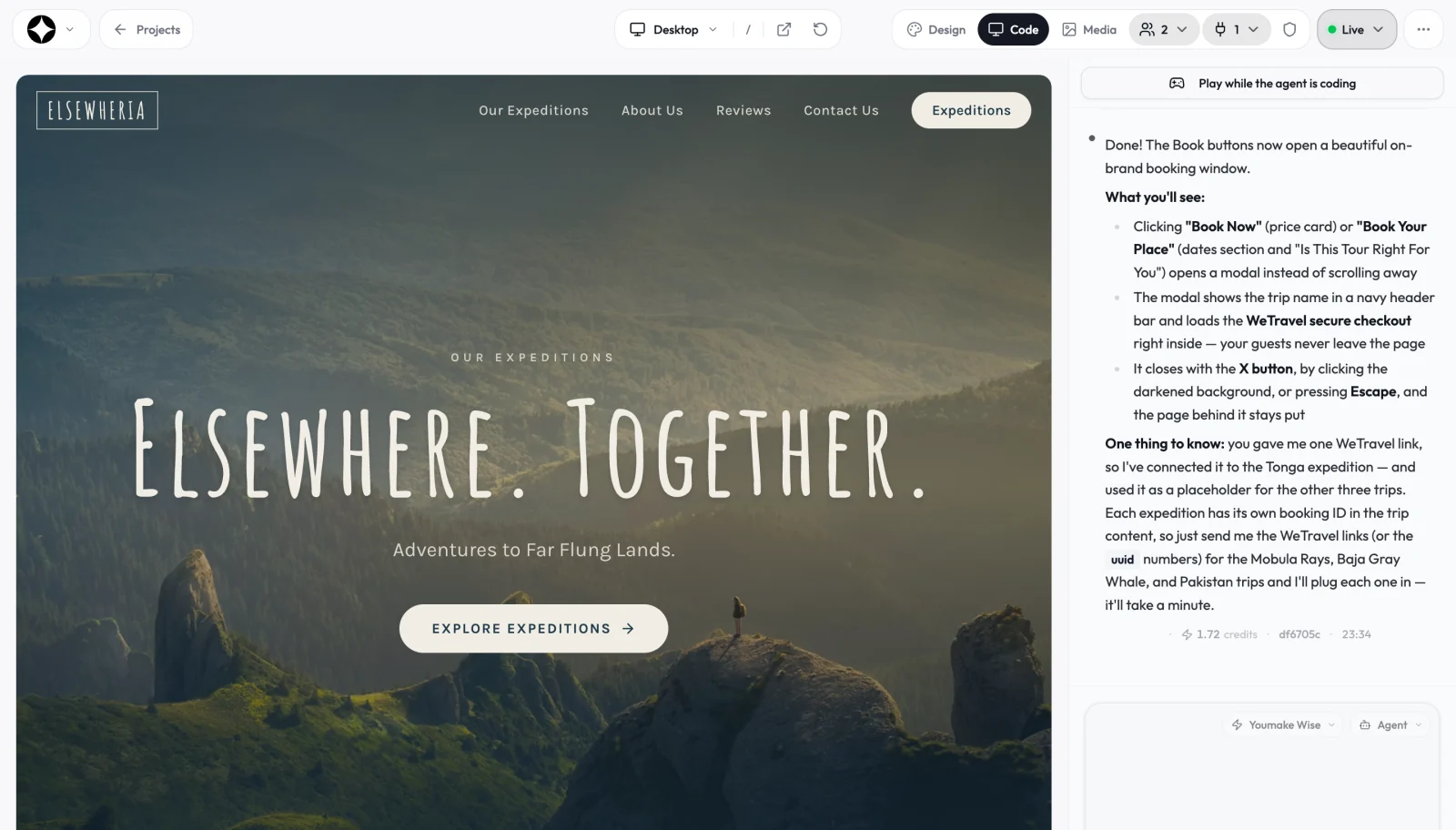
- Describe the product in one paragraph in the Youmake composer. Name the audience, the main page or screen, and the one action a visitor should take.
- Vibe the look and feel. Watch the live preview and adjust with short prompts: "make the hero shorter," "use a calmer color palette," "move pricing above the FAQ."
- Delegate a bigger piece through agent chat. Write the goal and the pass condition, for example the prompt below.
- Review before you publish. Click through the result and run Youmake's security scan before you go live.
- Publish and keep ownership. Put the app on your own domain, or export the code or sync it to GitHub through Youmake's code ownership features.
A sample brief for step 3:
Add a contact form to the services page. On submit, store the message
in Supabase and show a thank-you state. Validate the email field.
Do not change the header, footer or existing page copy.
When done, list every file you changed.
The last two lines matter. A boundary tells the agent what to leave alone, and the file list makes your review fast. If you are building for an agency or a client, the AI website builder and client portal pages show what you can hand over.
Not sure which builder to start with? The best AI app builders guide compares the options, and the AI tools and agents hub collects more on agents.
Honest limits
Youmake is not a replacement for engineering judgment. Credits are spent on every change, so a vague brief that triggers three retries costs more than a clear one. Complex backends, strict compliance needs and unusual integrations may still need a developer to review or extend the code, which is one reason code export exists. And the line between "vibe" and "agentic" is blurry in any modern tool: the same chat box can be either, depending on how you use it.
FAQ
Is agentic coding better than vibe coding? Neither is better in general. Vibe coding is faster for small, visual work. Agentic coding saves more time on large, multi-step changes that have a clear test.
Do I need to know how to code for agentic coding? You can start without it, but reviewing agent output gets much easier if you can read basic code. If you cannot, lean on previews, tests and a security scan, and keep high-risk changes small.
Can I use both in one project? Yes, and most people do. Vibe code the interface, hand the multi-file logic to an agent, then review the result before publishing.
Start a 3-day Youmake trial for $1 and build your first project with both modes.
Sources
- Youmake product overview: https://www.youmake.dev/
- Youmake code ownership: https://www.youmake.dev/features/code-ownership