Muse Spark Open for Apps: What Builders Should Do Now
· by Khalid BABA
Meta's Muse Spark Open has open weights, a 1M-token context and a license with strings attached. Here is how to add it to a product without owning a GPU cluster.
On October 15, 2026, Meta released Muse Spark Open, an open-weight model with 816 billion total parameters, 42 billion active per token, and a one-million-token context window. Meta calls it the most capable open-weight model from a US company. It takes text, images, video and audio as input and returns text, and Meta built it for coding and agent work.
If you build products, the headline is less interesting than the fine print: how you can run it, what the license asks of you, and what you can ship this week. You can turn that into a working product in Youmake without touching model infrastructure, and the steps are below.
What Meta actually released
The facts below come from the official model card on Hugging Face and TechCrunch's launch report.
- It is a mixture-of-experts model: 816B parameters in total, 42B active.
- Context is 1M tokens. Output is text only.
- Reasoning effort has four settings: low, medium, high and xhigh. The default is xhigh, and Meta recommends high or xhigh for coding and agent tasks.
- The benchmark numbers on the card are Meta-reported. They include 89.0 on GPQA Diamond, 80.4 on OSWorld Verified and 76.4 on Terminal-Bench 2.1. Treat them as vendor claims until independent evaluations appear. Meta says a fuller evaluation report is coming.
- The weights are on Hugging Face in BF16 and NVFP4 versions.
Why most builders should not self-host it
The card lists at least 700GB of VRAM for the NVFP4 version and 2TB for BF16. Meta says two Mac Studios with M5 Ultra chips can run it, and TechCrunch says it runs best on that setup. That is a research lab or a well-funded team, not a freelancer or a five-person startup.
For almost everyone else, the practical route is a hosted endpoint. The Hugging Face launch post shows an OpenAI-compatible endpoint (/v1/chat/completions and /v1/responses) you can deploy yourself, and other providers will likely host the model too. An OpenAI-compatible API means the app code you write today can point at a different model later by changing a URL and a model name. That is the real value for a builder: you are not locked to one vendor.
The license, in plain terms
The model ships under the Muse Model License. According to the model card, these points matter for product builders:
So a small business building a support assistant or a drafting tool can use it. A company that wants to resell raw model access at scale needs a deal first. Read the full license text before you commit, because this summary is not legal advice.
What to do now
Build the app with Youmake
The model is the engine. Your customers still need a product around it: a login, a screen, a database for saved results, a way to pay. Youmake builds that product from a description, with live preview and an agent chat for changes, and you can publish to your own domain or export the code and sync it to GitHub.
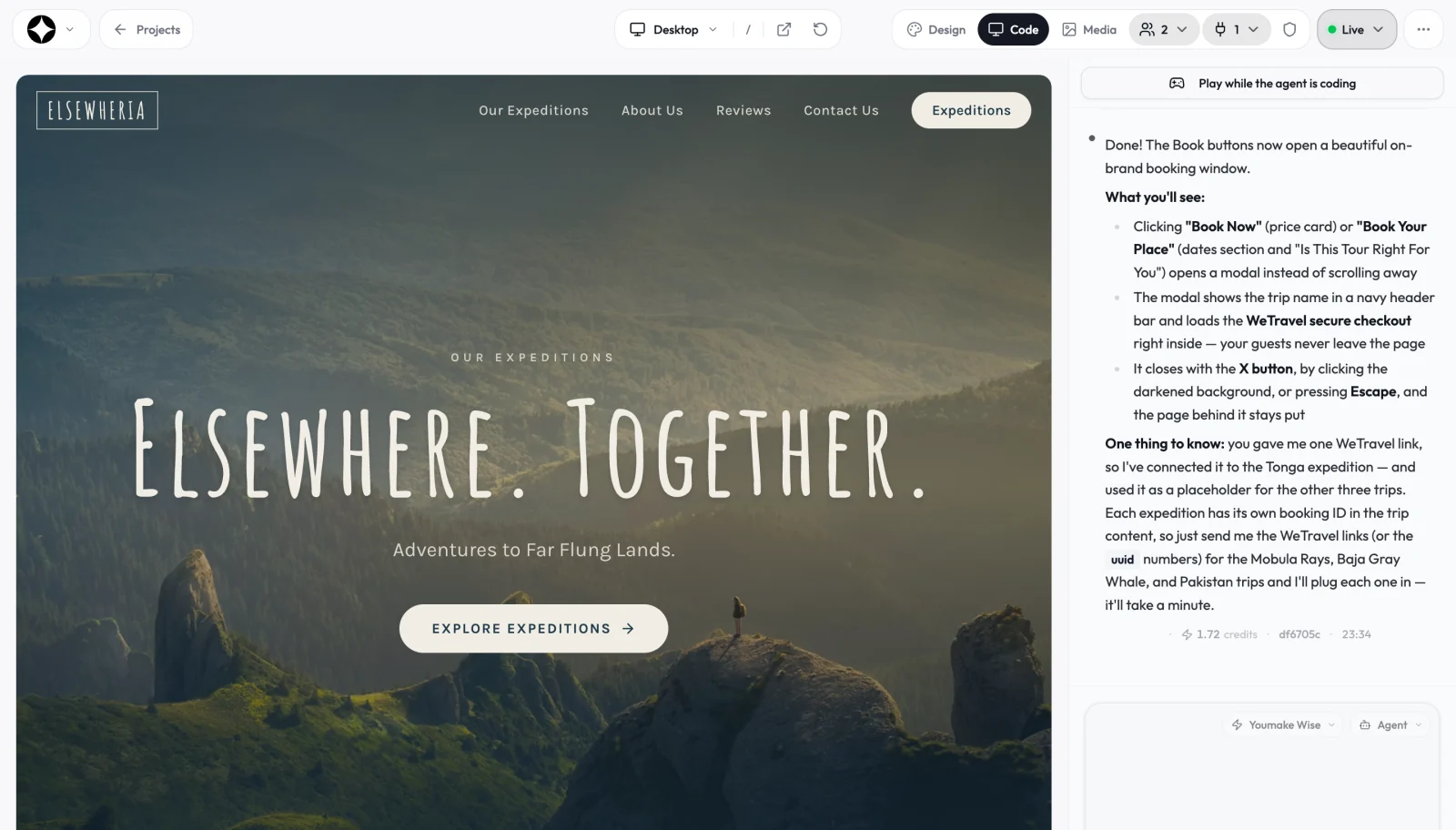
Here is a prompt you can paste into Youmake to start a document-review tool that is ready for a model like Muse Spark Open:
Build a web app where a user uploads a long contract or report and asks questions about it. Include sign-up, a page that lists past documents, and a chat view with the answers. Store documents and chat history in Supabase. Put the AI call in a server-side function that reads the model URL, model name and API key from environment variables, so I can switch models later. Add a footer line that says "Built with Muse Spark Open" and a plain-language privacy note.
Then work through it in four steps:
Pricing is simple to plan for: there is no free plan, and you can start a 3-day Youmake trial for $1 (card required) to build the first version. If you are new to this way of working, our guide on how to build an app without coding walks through the basics, and what is vibe coding explains the approach.
Honest limits
- I have not benchmarked Muse Spark Open myself, and the scores above are Meta's own. Independent results could rank it differently.
- Youmake builds the app around the model. Whether the AI call works depends on the endpoint you choose and the way you set up the server function, so check the generated code and test it before you invite users.
- The license has an attribution requirement and a revenue-based clause. If your plan involves reselling access, talk to a lawyer first.
- Running the weights yourself needs hardware most teams do not have.
- Provider lists and prices change quickly after a launch. Verify them on the provider's own pages.
FAQ
Is Muse Spark Open free to use in a commercial product?
The license allows commercial use with conditions. You must show "Built with Muse Spark Open," and a revenue threshold applies if you offer the model as a service to others. Hosted endpoints charge their own fees.
Can I run Muse Spark Open on my laptop?
No. The model card lists at least 700GB of VRAM for the NVFP4 version. Meta's desktop example uses two Mac Studios with M5 Ultra chips.
Do I need to know how to code to use it in an app?
Not to build the interface, database and sign-in. You describe them to Youmake. You do need to follow the checklist above for keys and server-side calls, or ask the agent chat to set them up for you.
For more on where open models fit into the wider market, see the AI industry hub, and for a wider look at tools for builders, read best vibe coding tools in 2026. When you are ready to try it, start a 3-day Youmake trial for $1 and have your first version running today.
Sources
- Muse Spark Open model card, Hugging Face (meta-models)
- Welcome Muse Spark Open, Hugging Face blog
- Meta launches an open-weight AI model that runs on Macs, TechCrunch, October 15, 2026
Facts checked on October 17, 2026.